PulseClick
A downloadable tool for Windows
A portable Windows autoclicker. Your rhythm. Your control.
Set your pace, point your cursor, and let PulseClick handle repetitive clicks. The complete app is free to download; contributions are optional.
Features
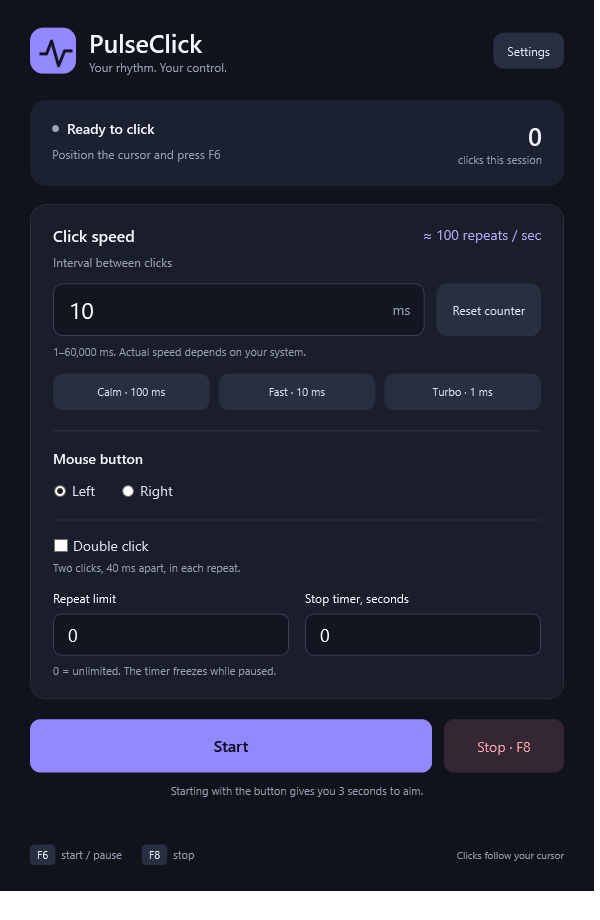
- Adjustable intervals from 1 to 60,000 milliseconds and three quick presets.
- Left, right, and double clicks.
- Automatic stop after a number of repeats or a time limit.
- Pause and resume with progress and remaining time preserved.
- Global shortcuts: F6 to start or pause, F8 to stop.
- A three-second countdown when starting with the button.
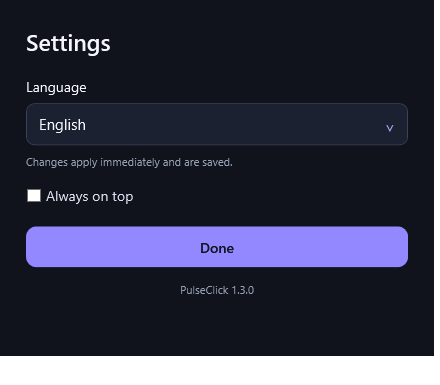
- Live click counter and an always-on-top option.
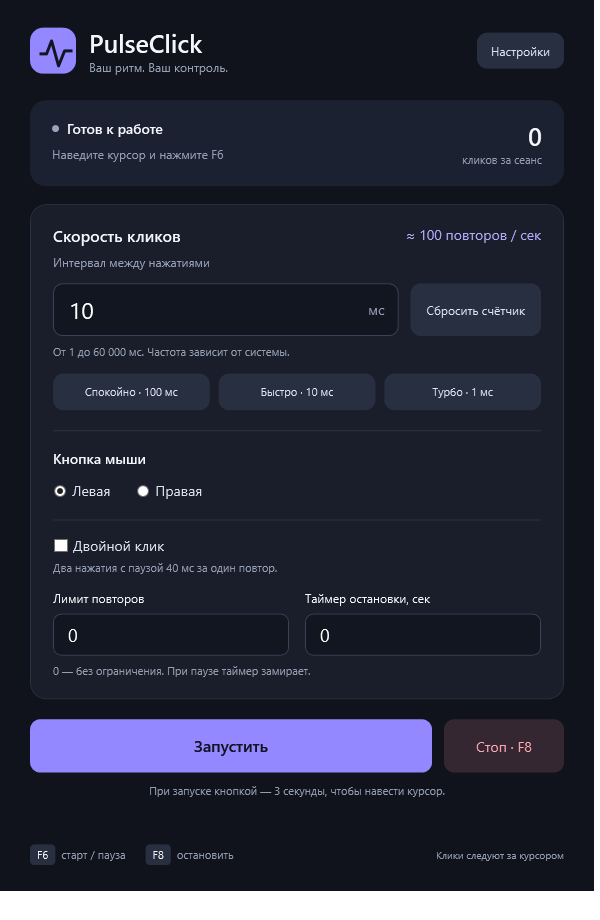
- English, Russian, German, French, and Spanish interfaces.
- Settings saved locally between launches.
Get started
- Download and extract the Windows ZIP.
- Open PulseClick.exe.
- Position your cursor and press F6. Press F8 to stop.
Change language in Settings → Language.
Requirements
Windows 10 or Windows 11 with .NET Framework 4.8 or later. One portable executable; no installer or PowerShell required. The app needs no administrator privileges, account, or internet connection.
Actual click speed depends on your system and the receiving application. Some games and applications may not accept synthetic clicks. The release executable is unsigned.
Privacy
PulseClick runs locally, makes no network requests, and includes no advertising or telemetry. Preferences are stored in %LOCALAPPDATA%\PulseClick.
Free, with optional support
All features are available without payment. If you find PulseClick useful, you can optionally support its development.
Questions or bug reports? Leave a comment with your Windows version, PulseClick version, and steps to reproduce the issue.
Download
Install instructions
Extract the ZIP, then open PulseClick.exe. Requires Windows 10/11 and .NET Framework 4.8 or later. No installer or PowerShell needed. Press F6 to start/pause and F8 to stop. Change language in Settings → Language. The executable is unsigned.
Leave a comment
Log in with itch.io to leave a comment.